
FIDO Security Keys
Best FIDO security keys – FIDO authentication U2F, FIDO2 WebAuthn, OATH HOTP, OATH TOTP
FIDO Security Keys are passwordless FIDO authentication devices based on FIDO standards for secure FIDO passkey login to computers, web, and cloud apps worldwide. We supports FIDO2, U2F, HOTP, and TOTP in one driverless FIDO Security USB Keys/NFC device for phishing-resistant MFA and 2FA.
FIDO Security Keys List
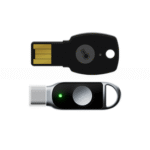
A4B U2F + Fido 2 + USB-A – options: OTP applet HOTP/TOTP
K39 U2F + Fido 2 + USB-C – options: OTP applet HOTP/TOTP
USB Interface
Specification: FIDO U2F & FIDO2 & HOTP & TOTP
Interface Type: USB-A / USB-C
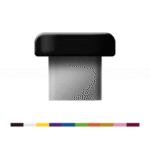
ePass FIDO Plus Security Key K28E
USB Interface
Specification: FIDO U2F & FIDO2 & HOTP & TOTP & PIV & OPEN PGP
Interface Type: USB-C
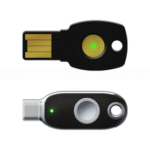
ePass FIDO-NFC Security Key K9B/K40
NFC+USB
Specification: FIDO U2F & FIDO2 & HOTP & TOTP
Interface Type: NFC & USB-A/USB-C
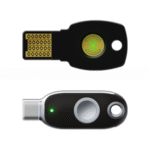
ePass FIDO-NFC Plus Security Key K9D/K40+
NFC+USB
Specification: FIDO U2F & FIDO2 & HOTP & TOTP & PIV & OPEN PGP
Interface Type: NFC & USB-A/USB-C
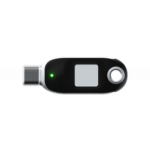
BioPass FIDO2 Plus Security Key K26+
Fingerprint + USB
Specification: Key verification method: Fingerprint
Application: FIDO U2F & FIDO2 & PIV
Interface Type: USB-C
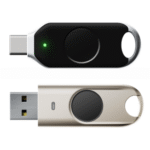
BioPass FIDO2 Pro Security Key K49/ K50
Fingerprint + USB
Specification: Key verification method: Fingerprint
Application: FIDO U2F & FIDO2 & HOTP & TOTP & PIV & WBF
Interface Type: USB-A/USB-C
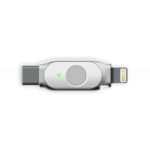
BioPass FIDO2 Plus Security Key K26+
Fingerprint + USB
Specification: Application: FIDO U2F & FIDO2 & HOTP & TOTP & PIV & OPEN PGP
Interface Type: USB-C & Lightning
FIDO Security Keys FAQs
How to use FIDO Passkey
A passkey is a FIDO authentication credential based on FIDO standards, that allows a user to sign in to apps and websites with the same process that they use to unlock their device (biometrics, PIN, or pattern). Passkeys are FIDO cryptographic credentials that are tied to a user’s account on a website or application. With passkeys, users no longer need to enter usernames and passwords or additional factors. Instead, a user approves a sign-in with the same process they use to unlock their device (for example, biometrics, PIN, pattern).
How to use FIDO2 security key?
Use the Windows 10/11 built-in tool to set up and manage your FIDO2 key:
- Click Manage and follow the prompts to set or change your PIN.
- Insert the FIDO2 key into your computer.
- Open Settings > Accounts > Sign-in options > Security Key.
How do I use a FIDO Security Keys?
- Sign-in with your new passkey (FIDO2)
- Navigate to login.microsoftonline.com.
- Select Sign-in options.
- Choose Face, Fingerprint, PIN, or Security key.
- A security window opens. Follow the remaining prompts to sign-in with the method that you selected.
What is a FIDO security key?
A FIDO key (or FIDO2 Security Key) is a small, physical hardware device used for strong, passwordless authentication, acting as a second factor for logging into accounts, replacing passwords with secure, cryptographically generated credentials that are resistant to phishing and other attacks, often by touching the key or entering a PIN.
Is Windows Hello FIDO2?
Windows Hello can be used as a FIDO2 authenticator, enabling users to log into websites and applications that support FIDO2 without needing a password. Windows 10: With the April 2018 update, Windows 10 supports FIDO2 through Windows Hello and Microsoft Edge. Buy our Pro Model for WBF windows hello.
What if I lost my FIDO2 key?
If your primary key is lost, you can use your backup key to access your account. After regaining access, you should unregister the lost key and register a new backup key.
How to get a FIDO passkey?
To get and use a FIDO security key, you first purchase one (like Feitian, Token2, Yubikey, Thetis FIDO2 Security Key, Titan) from CopyShield Systems and then register it with your online accounts (Google, Microsoft, etc.) through their security settings, adding it as a sign-in method alongside your existing MFA, then use the key (insert/tap and touch/PIN) for passwordless logins, often requiring an initial setup with a PIN.
How to make a FIDO security keys?
Step 1: Access the My Authenticators page. To begin the process of registering your FIDO security key, you must navigate to the My Authenticators page.
Step 2: Register your FIDO security key. Once you are on the My Authenticators page, follow the steps below to register your FIDO security key as an MFA authenticator.
What is a security key?
A security key is a physical device that you can connect to your computer or mobile device to add an extra layer of protection to your Login.gov account. It is not the same as a personal key.
FIDO Passkeys for Passwordless Authentication
FIDO Security USB Keys provide passwordless, phishing-resistant FIDO authentication using global FIDO standards for secure FIDO passkey login to computers, websites, VPN, and cloud services worldwide. Supports FIDO2, Epass fido security key U2F, HOTP, and TOTP, delivering multi-factor authentication (MFA/2FA) for Windows, macOS, Android, and iOS—ideal for enterprise, banking, government, healthcare, and remote workforce security with no drivers or batteries required.
Our Best FIDO Security Keys Model List:
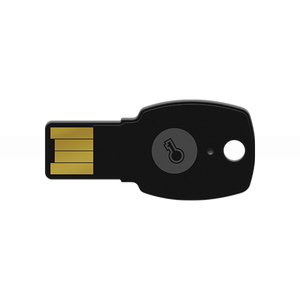
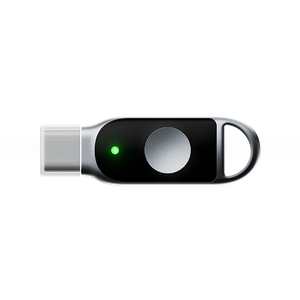
FIDO Security Key USB-C
FIDO Security Key USB-C
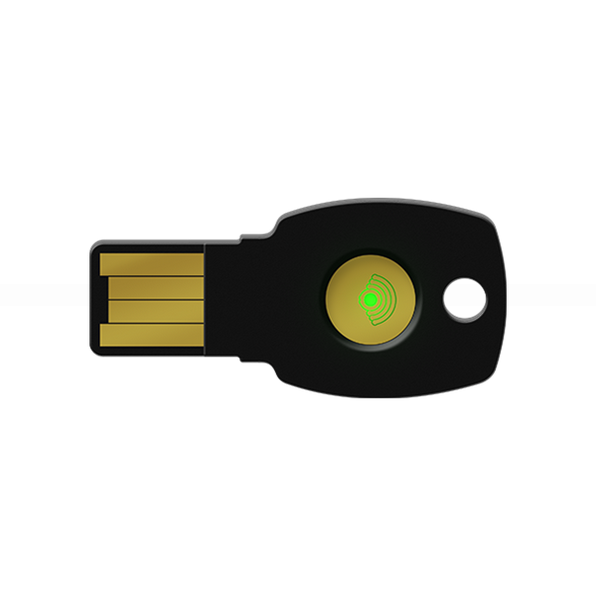
FIDO Security Key USB-A
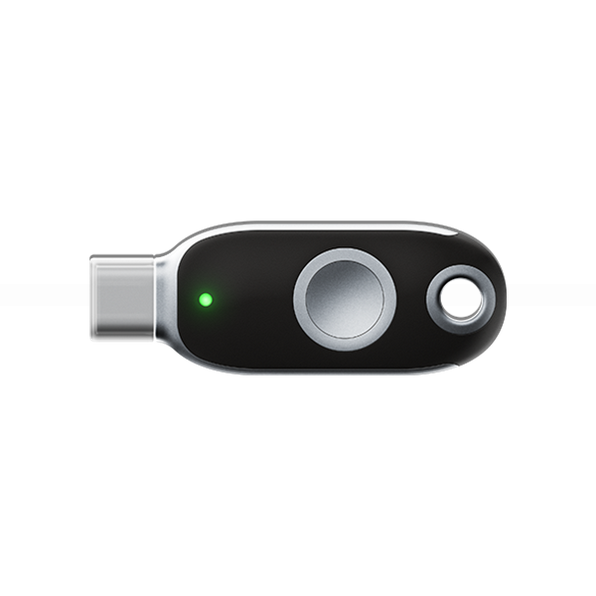
FIDO Security Key USB-C
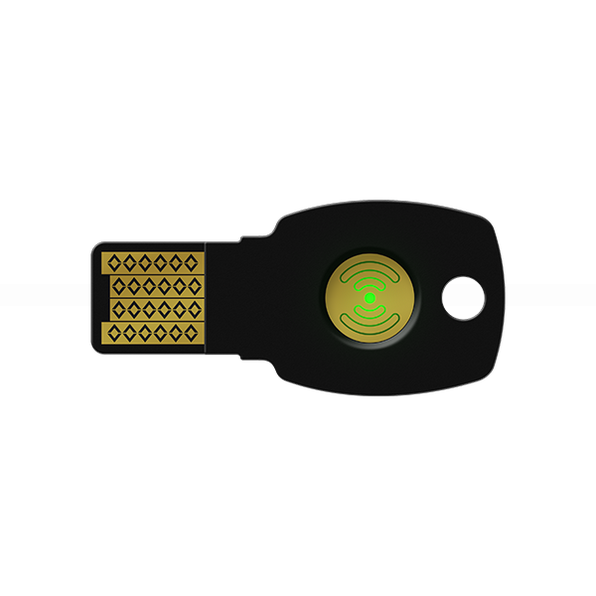
FIDO Security Key USB-A
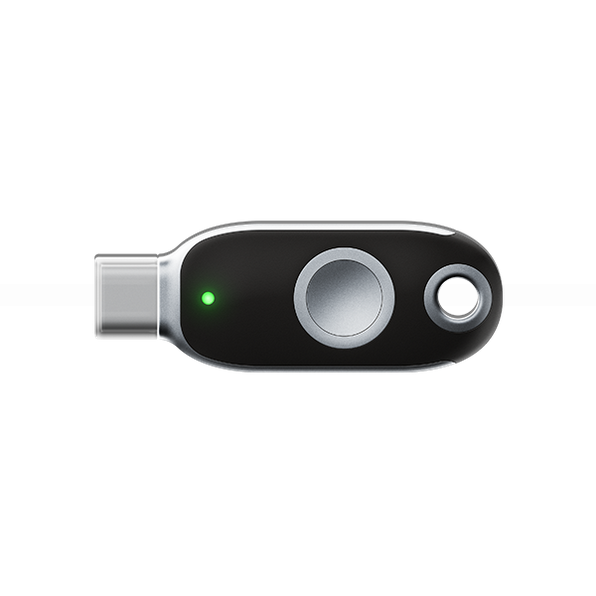
FIDO Security Key USB-C
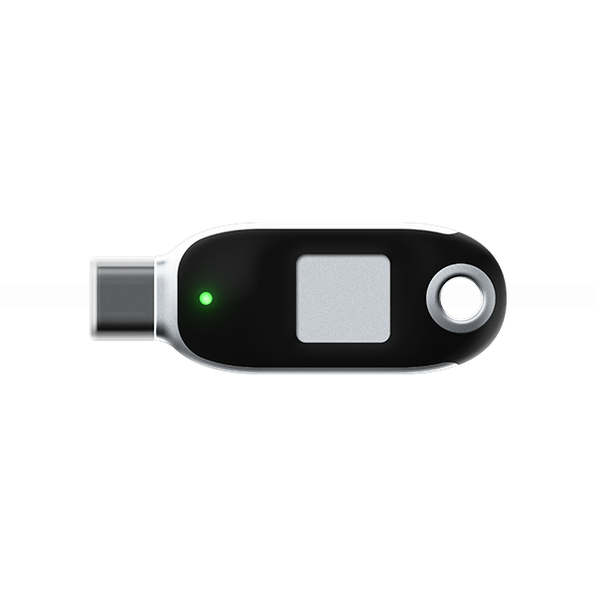
FIDO Security Key USB-C
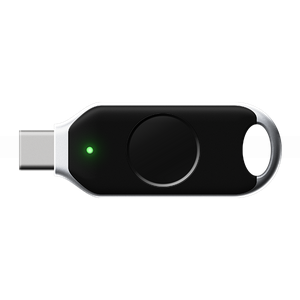
FIDO Security key Windows WBF Hello
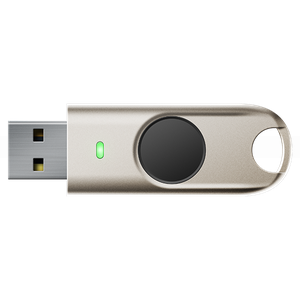
FIDO Security key Windows WBF Hello
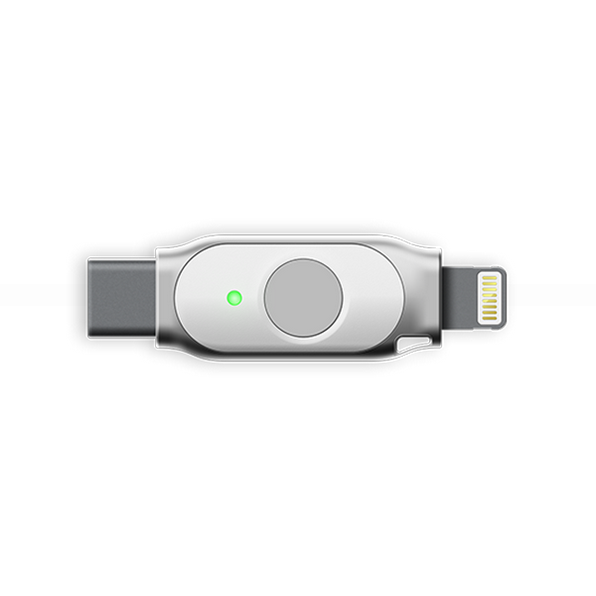
FIDO security key Apple
USB Security Key FIDO Certified for FIDO Security Keys?
If you’d like to know more, don’t hesitate to contact us for detailed information about our USB Security Key FIDO.
FIDO Key price – USB Security Key FIDO Certified
FIDO Security Key buy to Secure Your Digital World? Explore our catalog or contact our security experts today for a custom solution. 👉 [View Products] | [Request a Quote] | [Contact Us]