
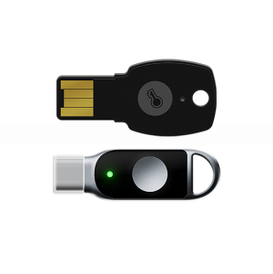
Feitian ePass FIDO Security Key A4b K39
Feitian MultiPass FIDO Security Key
FIDO Security Key USB-A
Specification: FIDO U2F & FIDO2 & HOTP & TOTP
Interface Type: USB-A
SKU: A4B
ePass FIDO USB-C (K39)
FIDO Security Key USB-C
Specification: FIDO U2F & FIDO2 & HOTP & TOTP
Interface Type: USB-C
SKU: K39
Features of ePass FIDO Security Key:
- -FIDO U2F & FIDO2 certified security key-Identified as a standard HID device
- -Interface: USB
- -Smart card secure element
- -Protect online accounts against unauthorized access by using 2FA, Epass fido security key U2F, FEITIAN ePass FIDO2
- – OTP (HOTP/TOTP) , GIDS also supported-Prevent phishing and Man-In-The-Middle attack
- -Single authenticator could be used for multiple applications
- -Works with the latest Google Chrome or any other FIDO-compliant application on Windows, Mac OS or Linux (such as Gmail, Facebook, Dropbox, and many other services)
- -Durable and compact design
About ePass FIDO Security Key
ePass FIDO Security Key offer USB, TOTP/HOTP functionality.
- Phishing-Resistant Security: Simplify and secure your online authentication with ePass FIDO USB Keys utilizing FIDO2 and FIDO U2F certification for Epass fido security key u2f.
- HOTP & TOTP Functionality: Supports Legacy systems and web applications that do not yet support FIDO authentication with one-tap OTP.
- Compact and Durable Design: The key’s size is similar to a door key, allowing for easy attachment to key chains. The durable design and injection molding provide protection against physical attacks.
- Wide Compatibility: Works with popular services and applications like Bank of America, Coinbase, Dropbox, DUO Security, Facebook, Google Accounts, Microsoft Accounts, Microsoft Active Directory, Microsoft Azure Entra ID, Okta, Ping Identity, Salesforce, Twitter, Zoho, and many more.
FEITIAN security key setup
Set up ePass FIDO Security Keys
The first step after receiving security key is to set up PIN code and Fingerprint of the security key,there are several available tools that can be used to manage security keys as listed:
Note: It is recommended to set up the security key first before provision security key to web services.
How to use FIDO2 security key?
Use the Windows 10/11 built-in tool to set up and manage your FIDO2 key:
- Click Manage and follow the prompts to set or change your PIN.
- Insert the FIDO2 key into your computer.
- Open Settings > Accounts > Sign-in options > Security Key.
Windows built-in Security Key Manager
Windows built in security key manager is available in Windows 19H1 and above.
Users are able to set the PIN of security key, manage fingerprints and reset the security keys. This tool can be found in “Settings” => “Accounts” => “Sign-in options” => “Security Key”.
Chrome built-in Security Key Manager
This tool is available in the latest Chrome browser in macOS and Linux core system.
Users can find this tool in “Chrome Settings” => “Privacy and security” => “Manage security keys” . This tool provide the capability to manage PIN, fingerprint and credentials inside the security key and reset the device.
FEITIAN BioPass FIDO2 Manager
Availability: Windows 7, Windows 10 Build 18H2 and below, macOS and Linux. MacOS user can download this tool from APP Store. The latest Windows and Linux version can be downloaded at: https://www.ftsafe.com/Support/Resources.
Note: This tool is designed for FEITIAN Biometric enabled security keys. For non-biometric security key, please use the tool at: https://www.ftsafe.com/download/files/FIDO/FIDO2_PIN_Manager.exe .
Hash: D4FED43F2680878FD14F497772276848C9F2A26B
Additional step for Linux OS user
Linux user are required to download a udev rules named “70-u2f.rules” and put it under “/etc/udev/rules.d/” directory, the rules file contains FEITIAN Security Keys can be download at:
Click here to download 70-u2f.rules
Certifications





Our Best FIDO Security Keys List:
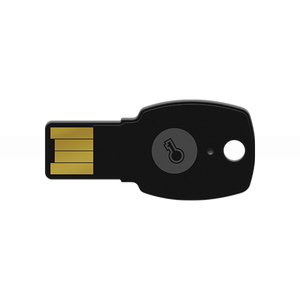
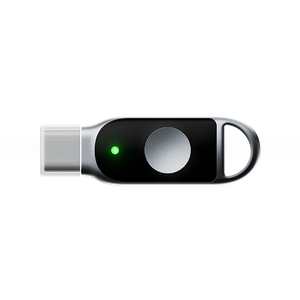
FIDO Security Key USB-C
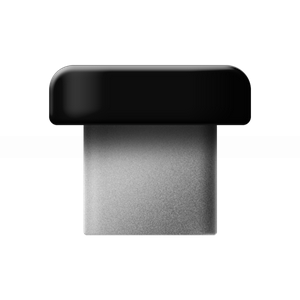
FIDO Security Key USB-C
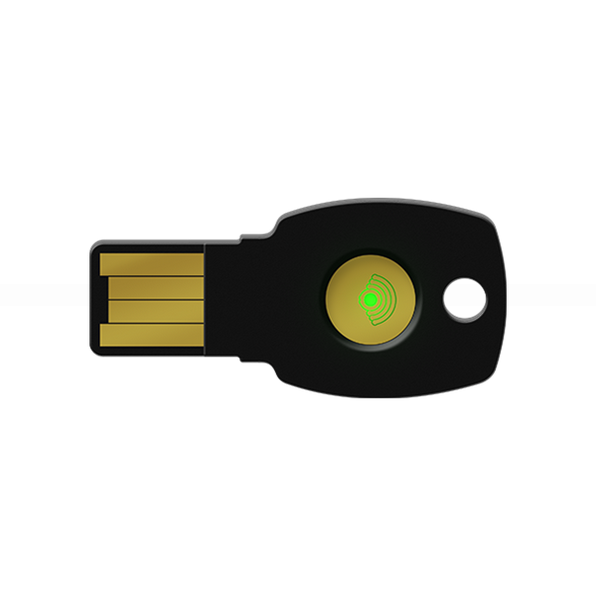
FIDO Security Key USB-A
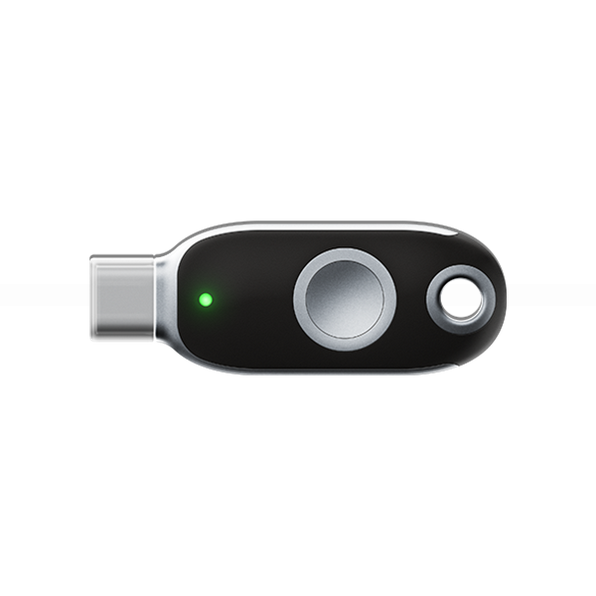
FIDO Security Key USB-C
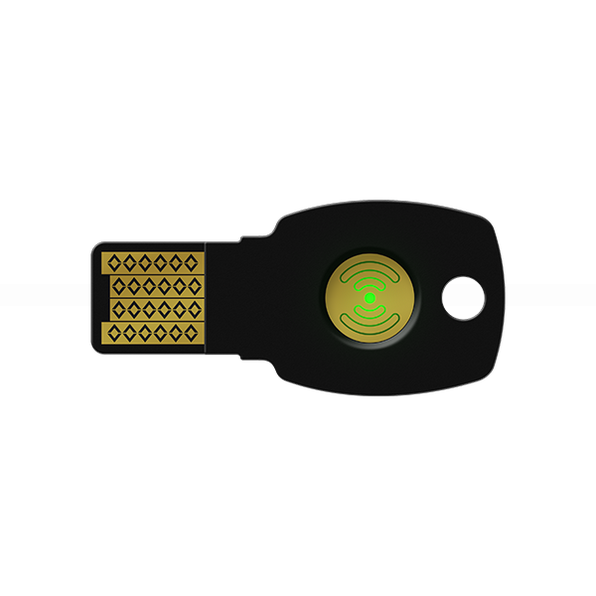
FIDO Security Key USB-A
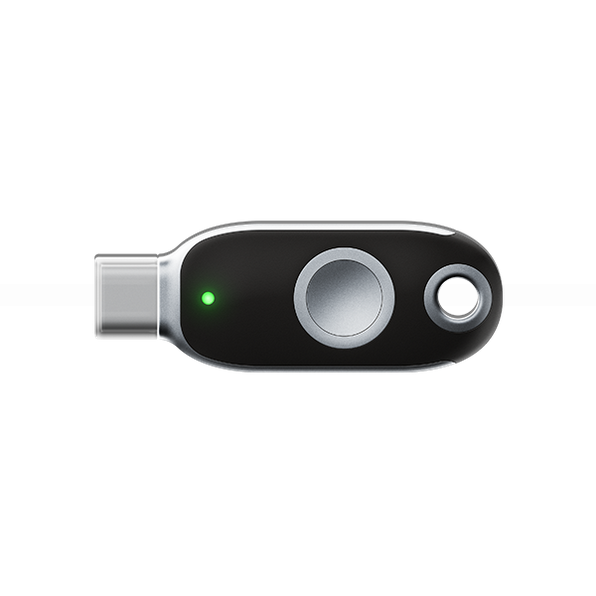
FIDO Security Key USB-C
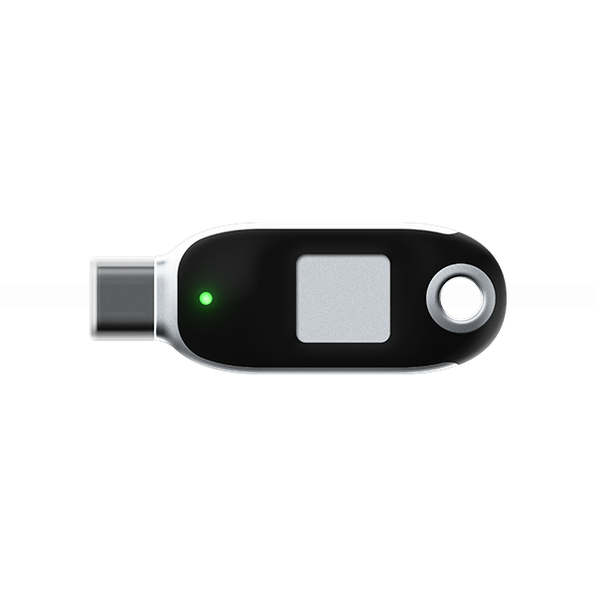
FIDO Security Key USB-C
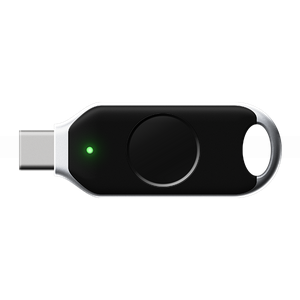
FIDO Security key Windows WBF Hello
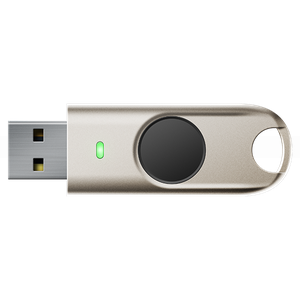
FIDO Security key Windows WBF Hello
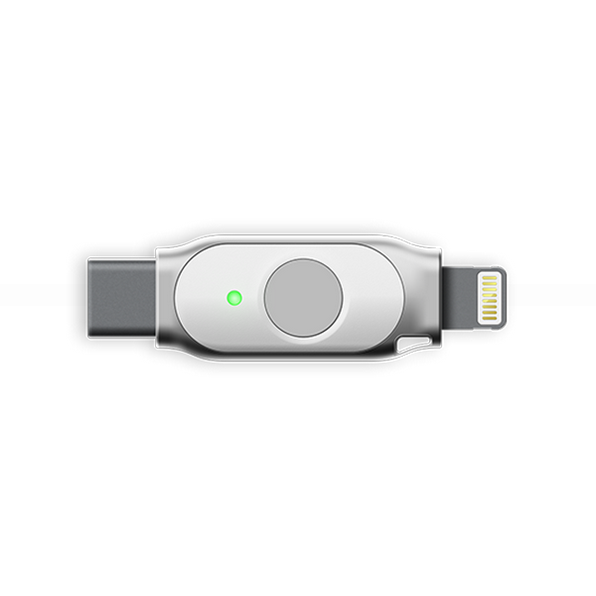
FIDO security key Apple
USB Security Key FIDO Certified for FIDO Security Keys?
If you’d like to know more, don’t hesitate to contact us for detailed information about our USB Security Key FIDO.
FIDO Key price – USB Security Key FIDO Certified
FIDO Security Key buy to Secure Your Digital World? Explore our catalog or contact our security experts today for a custom solution. 👉 [View Products] | [Request a Quote] | [Contact Us]